Project: Servo Controller
Servo motors are what make robot arms, camera mounts and RC car steering move. In this project you'll steer one yourself, in two different ways: with a dial for fast, natural control, and with two buttons for slow, precise control.
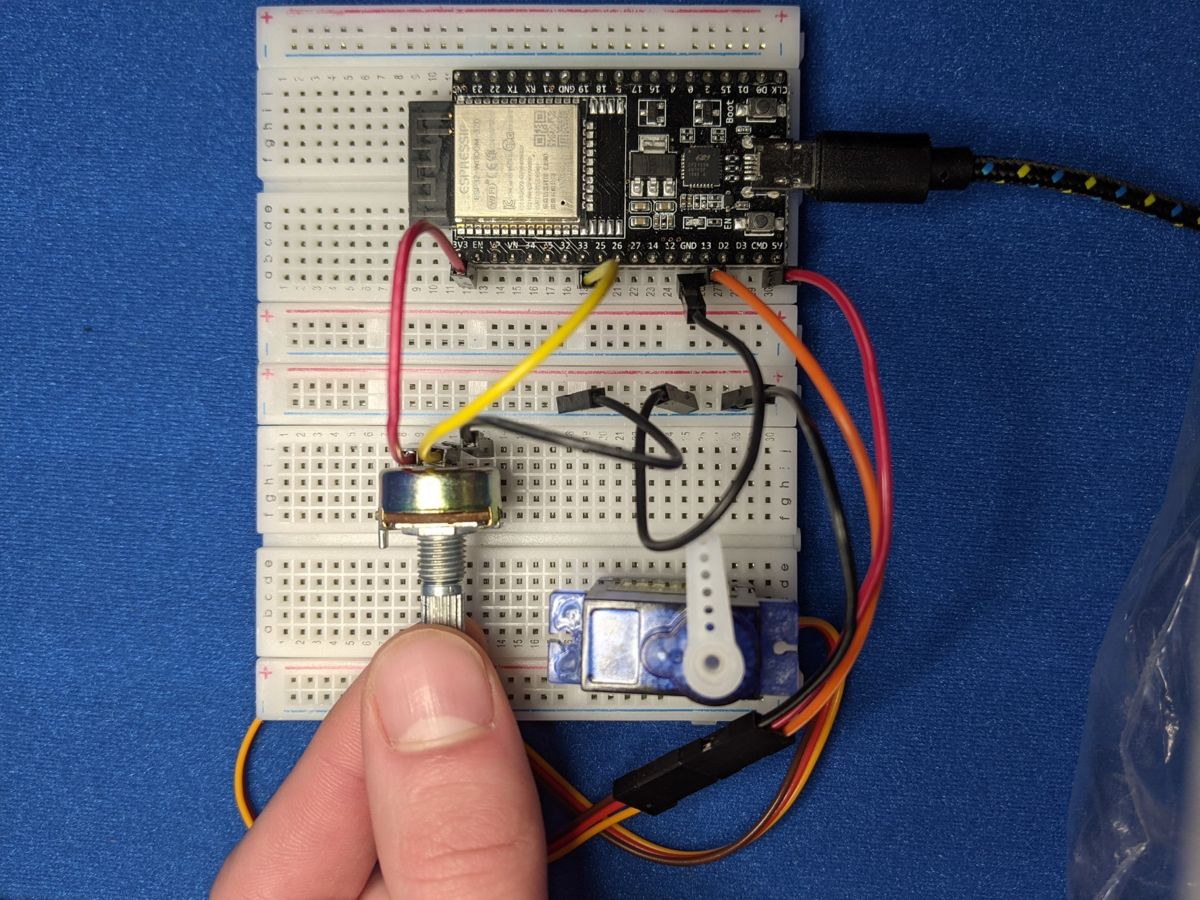
Photo from the first edition. Follow the wiring table for pin numbers.
Objective
- Version 1: the servo arm follows the potentiometer. Turn the dial and the arm turns with it.
- Version 2: Button A turns the servo one way and Button B the other. Tap for a 1° nudge, or hold the button down to keep it moving.
You'll need:
- 1 × servo motor (SG90 or similar)
- 1 × potentiometer (version 1)
- 2 × push buttons (version 2)
- Jumper wires
Before you start
This project builds on Servo Motors,
Potentiometers and
Buttons. Version 2 needs button.py saved
on your ESP32 (see Saving Programs to the Board).
Wiring
You can wire up everything at once and switch between the two versions just by running different code.
| Part | Wire / leg | Connects to |
|---|---|---|
| Servo | brown or black (ground) | GND |
| red (power) | VIN (5 V) | |
| orange or yellow (signal) | GPIO 13 | |
| Potentiometer 1 | left leg | 3V3 |
| middle leg | GPIO 34 | |
| right leg | GND | |
| Button A | one leg | GPIO 14, other leg to GND |
| Button B | one leg | GPIO 25, other leg to GND |
Power the servo from VIN, not 3V3
Servos want about 5 V and can draw a lot of current when they move. VIN passes 5 V straight through from USB. If your ESP32 resets whenever the servo moves, the USB port can't keep up. Try a different port or a powered USB hub.
Plan it out
- Set up each component: the servo is a PWM output at 50 Hz, the
potentiometer is an ADC input, and the buttons use
Buttonfrombutton.py. - Break the job into functions.
set_angle(angle)turns an angle (0–180°) into the right pulse width for the servo. Both versions use it.- Version 1:
read_pot_angle()turns the dial position into an angle. - Version 2:
move(step)changes the angle by ±1° without going past 0 or 180.check_button()decides whether a button was tapped or is being held.
- Main loop: keep reading the input and move the servo to match.
Code
# Servo Controller (potentiometer version):
# the servo arm follows the potentiometer dial.
import time
from machine import Pin, PWM, ADC

SERVO_PIN = 13
POT_PIN = 34      # Potentiometer 1

# Pulse widths for 0 and 180 degrees. Adjust these if your servo
# doesn't reach the full range or buzzes at the ends.
SERVO_MIN_NS = 500_000     # 0.5 ms
SERVO_MAX_NS = 2_500_000   # 2.5 ms

servo = PWM(Pin(SERVO_PIN), freq=50, duty_u16=0)
pot = ADC(Pin(POT_PIN), atten=ADC.ATTN_11DB)


def set_angle(angle):
    pulse = SERVO_MIN_NS + (SERVO_MAX_NS - SERVO_MIN_NS) * angle // 180
    servo.duty_ns(pulse)


def read_pot_angle():
    # Average a few readings: the ADC is a little noisy, and without
    # this the servo would twitch even when you aren't touching the dial.
    total = 0
    for _ in range(8):
        total += pot.read_u16()
    average = total // 8
    return average * 180 // 65535


current_angle = -1  # -1 means "not set yet"

while True:
    angle = read_pot_angle()
    # only move the servo when the dial has really changed
    if abs(angle - current_angle) >= 1:
        set_angle(angle)
        current_angle = angle
    time.sleep_ms(20)
# Servo Controller (button version):
# Button A turns the servo one way, Button B turns it the other way.
# Tap for 1 degree, or hold the button down to keep moving.
import time
from machine import Pin, PWM
from button import Button

SERVO_PIN = 13
BUTTON_A_PIN = 14
BUTTON_B_PIN = 25

SERVO_MIN_NS = 500_000     # pulse width for 0 degrees
SERVO_MAX_NS = 2_500_000   # pulse width for 180 degrees
HOLD_DELAY_MS = 400        # how long to hold before it starts repeating
REPEAT_MS = 50             # while held, move 1 degree this often

servo = PWM(Pin(SERVO_PIN), freq=50, duty_u16=0)
button_a = Button(BUTTON_A_PIN)
button_b = Button(BUTTON_B_PIN)

angle = 90                 # start in the middle
held_since = 0             # when the current hold started
last_step = 0              # when we last moved while holding


def set_angle(new_angle):
    pulse = SERVO_MIN_NS + (SERVO_MAX_NS - SERVO_MIN_NS) * new_angle // 180
    servo.duty_ns(pulse)


def move(step):
    global angle
    # clamp keeps the angle between 0 and 180
    new_angle = max(0, min(180, angle + step))
    if new_angle != angle:
        angle = new_angle
        set_angle(angle)
        print("Angle:", angle)


def check_button(button, step):
    global held_since, last_step
    now = time.ticks_ms()
    if button.was_pressed():
        move(step)                 # a tap moves 1 degree
        held_since = now
        last_step = now
    elif button.is_down():
        held_for = time.ticks_diff(now, held_since)
        since_step = time.ticks_diff(now, last_step)
        if held_for > HOLD_DELAY_MS and since_step >= REPEAT_MS:
            move(step)             # still held: keep moving
            last_step = now


set_angle(angle)

while True:
    check_button(button_a, -1)
    check_button(button_b, +1)
    time.sleep_ms(5)
Save whichever version you want to use as main.py on the ESP32 to
have it start automatically.
How it works
Angles and pulses
A servo decides where to point by measuring how long each pulse on its signal wire lasts. There are 50 pulses a second, and:
| Pulse width | Angle |
|---|---|
| 0.5 ms (500,000 ns) | 0° |
| 1.5 ms (1,500,000 ns) | 90° |
| 2.5 ms (2,500,000 ns) | 180° |
set_angle() maps 0–180 onto SERVO_MIN_NS–SERVO_MAX_NS and hands the
result to duty_ns(). Every servo is a little different: if yours doesn't
quite reach the ends, or buzzes when it gets there, nudge those two
constants (try 600,000 and 2,400,000).
Version 1: smoothing the dial
The ESP32's analog input is a bit noisy. Even when you aren't touching the dial, the reading jumps around slightly, which would make the servo twitch. The code fixes this in two ways:
read_pot_angle()takes 8 readings and averages them.- The main loop only moves the servo when the angle has changed by at least one whole degree.
Version 2: tap vs. hold
Button.was_pressed() is True just once per press. That's the 1° tap.
Button.is_down() is True the whole time the button is held down. Once
it's been held for HOLD_DELAY_MS (0.4 s), the code moves another degree
every REPEAT_MS (50 ms). This is exactly how the arrow keys on your
keyboard repeat.
max(0, min(180, angle + step)) is a handy pattern called clamping:
whatever angle + step works out to, the result is kept between 0 and 180.
Result
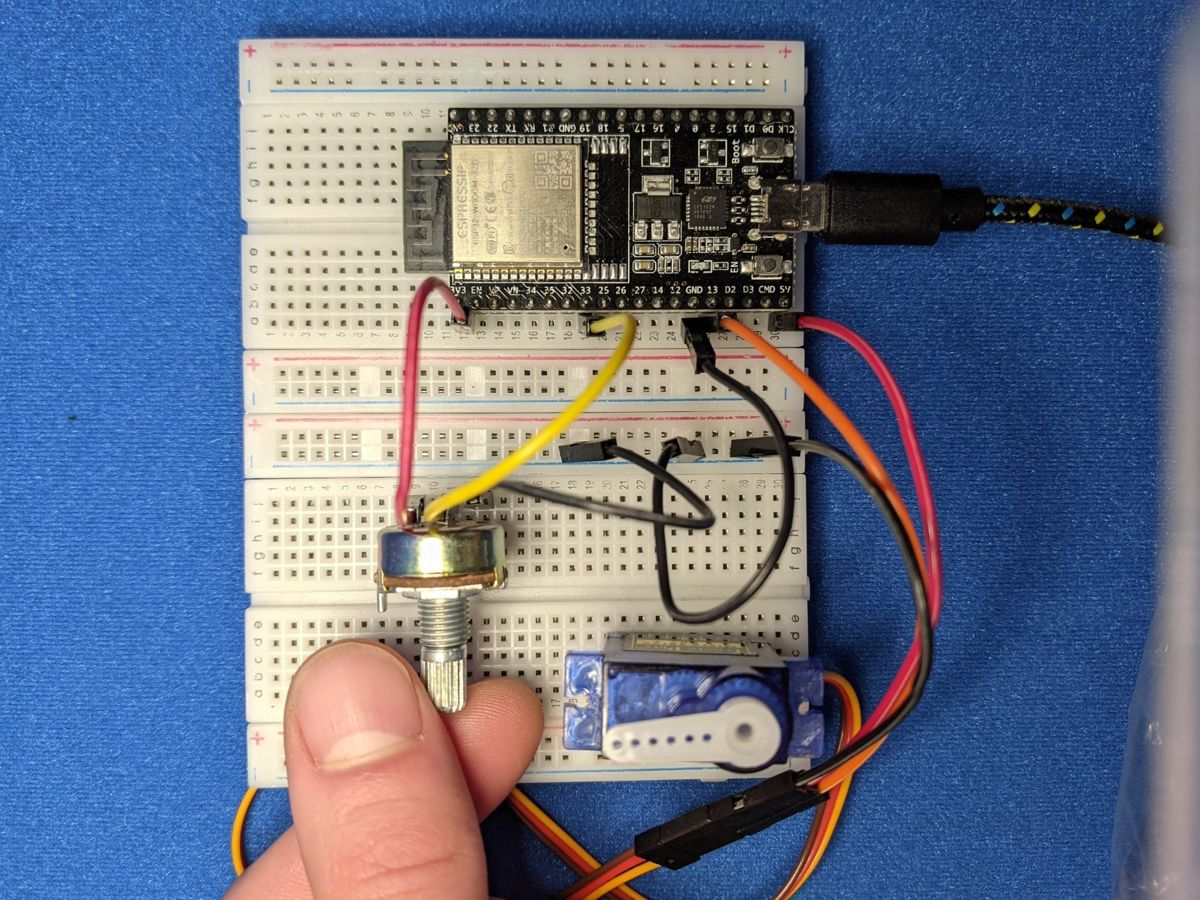
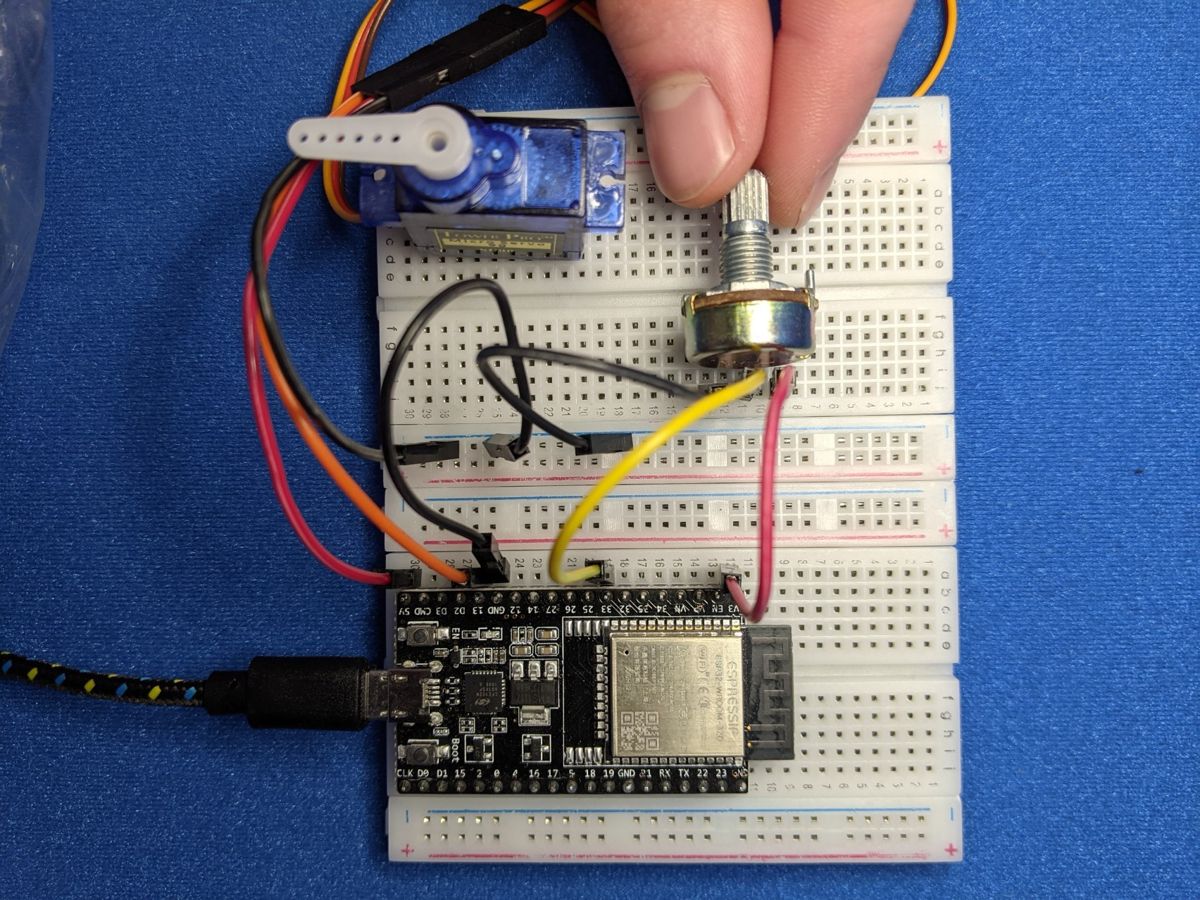
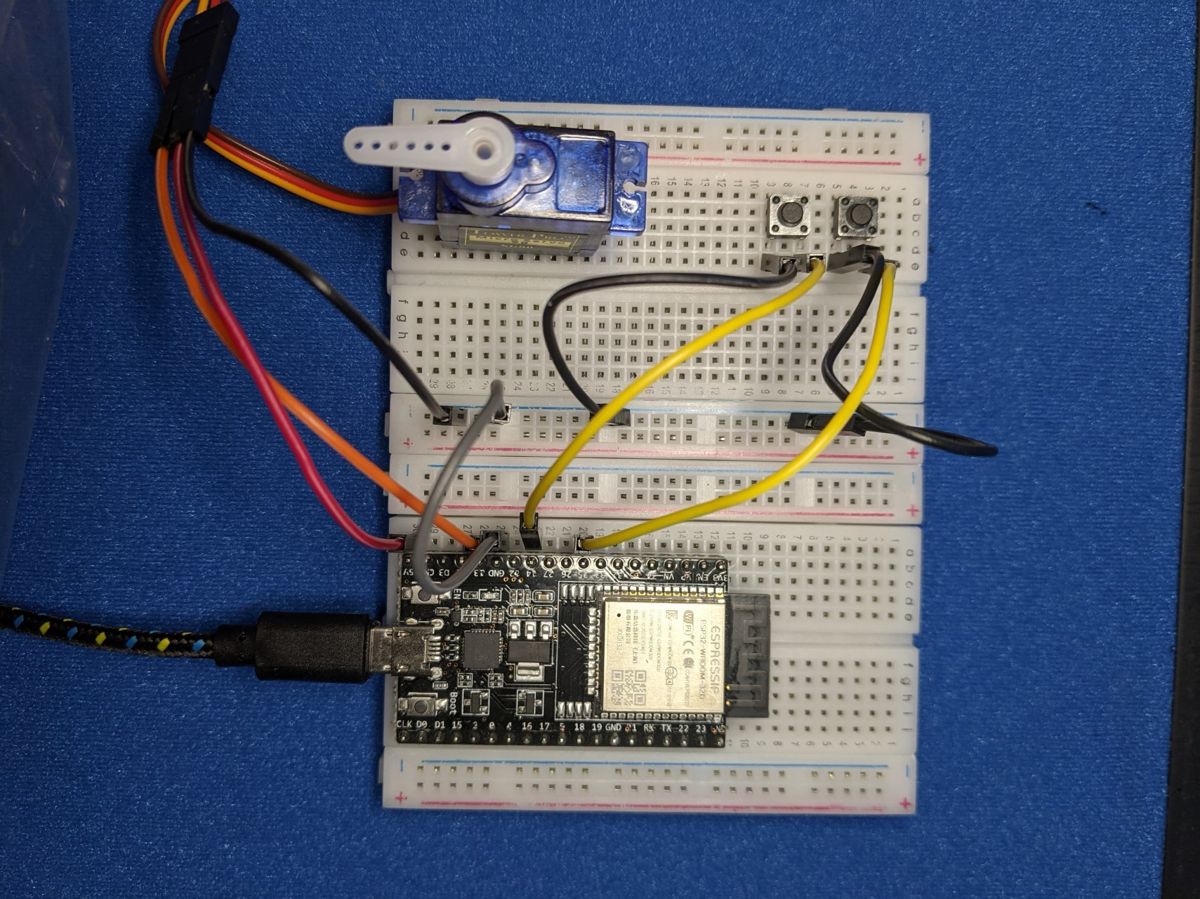
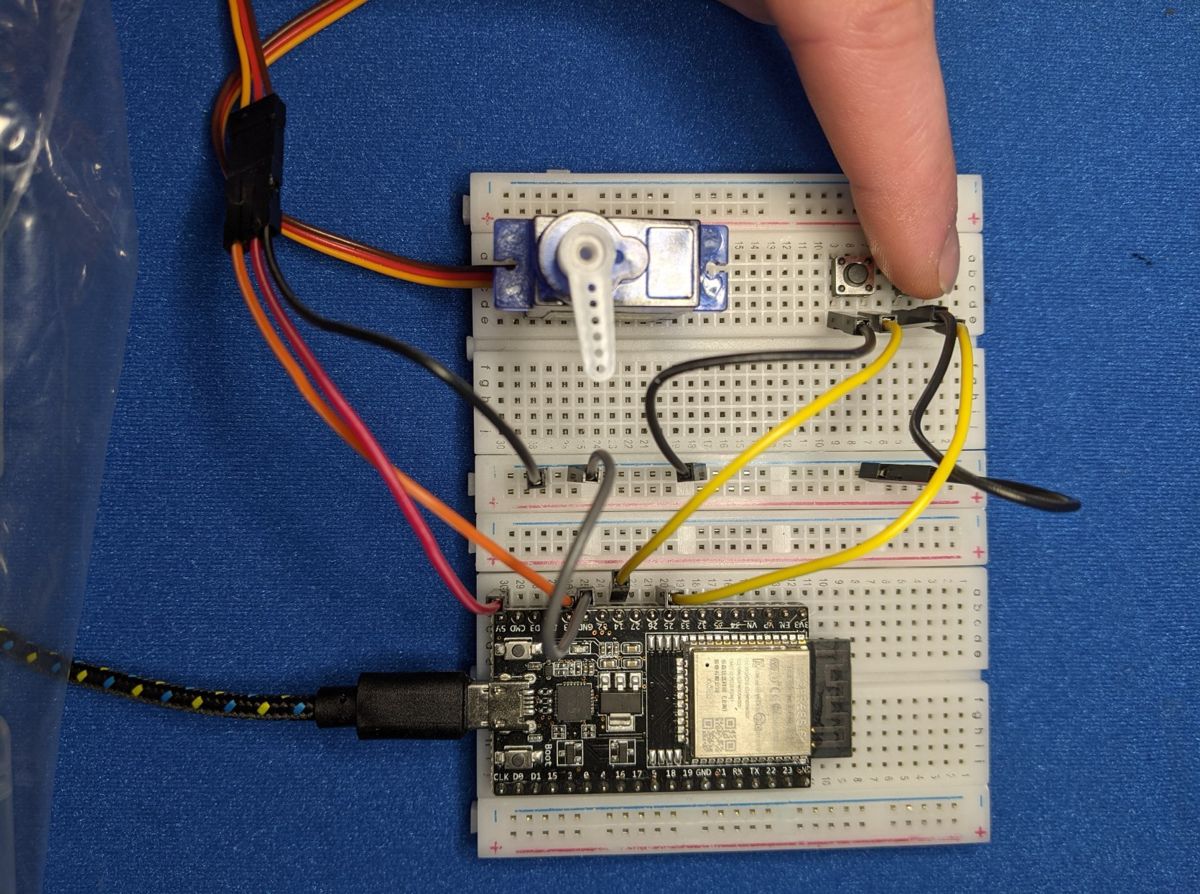
Photos from the first edition. Follow the wiring table for pin numbers.
Make it your own
- Speed control: in version 2, make the servo speed up the longer you hold the button.
- Both at once: combine the versions, using the dial for rough positioning and the buttons for fine-tuning.
- Pan and tilt: add a second servo on GPIO 27 controlled by Potentiometer 2 (GPIO 35), tape a small cardboard "camera" on top, and you've built a pan-and-tilt mount.