Components
Each lesson in this section introduces one part: how it works, how to wire it up, and the code to control it. Every lesson ends with a challenge to try on your own. Work through them in order the first time, because later lessons build on earlier ones.
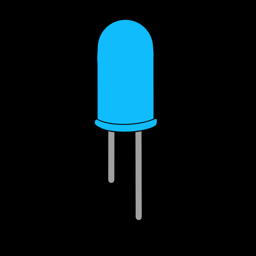 LEDs
LEDs
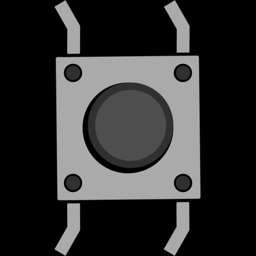 Buttons
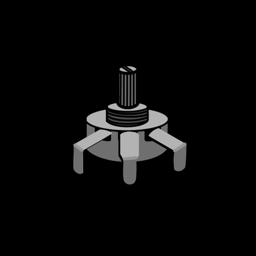 Potentiometers
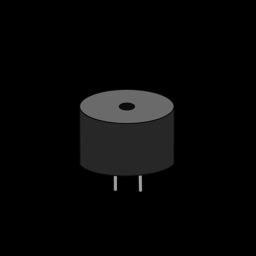 Piezo Buzzers
 Servo Motors
 OLED Screens
 Motion Sensors
 Wi-Fi & APIs
 RGB LEDs
 Light Sensors
 Temperature & Humidity
 Touch Sensors
 NeoPixels
 Ultrasonic Sensors
Inputs and outputs
Every component either gives the ESP32 information (an input) or does something the ESP32 tells it to (an output). How the information travels along the wire comes in a few flavours:
| Type | How it works | Components |
|---|---|---|
| Digital input | The pin reads either 0 (0 V) or 1 (3.3 V). | Buttons, Motion Sensors |
| Analog input | An ADC pin measures a voltage anywhere from 0 to 3.3 V and turns it into a number. | Potentiometers, Light Sensors |
| Digital output | The pin is switched fully on (3.3 V) or off (0 V). | LEDs |
| PWM output | The pin switches on and off very fast. The speed (frequency) and the on-time (duty cycle) carry the meaning. | Piezo Buzzers, Servo Motors, RGB LEDs, dimming LEDs |
| Capacitive touch | The pin measures how much electrical charge it can hold. Your finger adds a little, and the reading drops. | Touch Sensors |
| Pulse timing | The ESP32 times how long a pin stays high, in millionths of a second. | Ultrasonic Sensors |
| Single-wire data | One pin carries a stream of 1s and 0s in a precise rhythm, to read a sensor or set a whole row of lights. | Temperature & Humidity (in), NeoPixels (out) |
| I2C | Two wires carry data back and forth, so one device can receive lots of detailed commands. | OLED Screens |
| Wi-Fi | No wires at all: data travels over the network to and from the internet. | Wi-Fi & APIs |
Once you know which type a new part uses, you already know most of what you need to control it. A light sensor is an analog input just like a potentiometer. A motor driver takes PWM just like a buzzer.
The pin plan
All lessons and projects use the same pins, so you can leave parts plugged in as you go. The full list is on the ESP32 Pins page. Keep it open in a tab while you build!
Before you start
Make sure you've finished Getting Started, so Thonny is installed and MicroPython is on your board.