Learn electronics by building things that work.
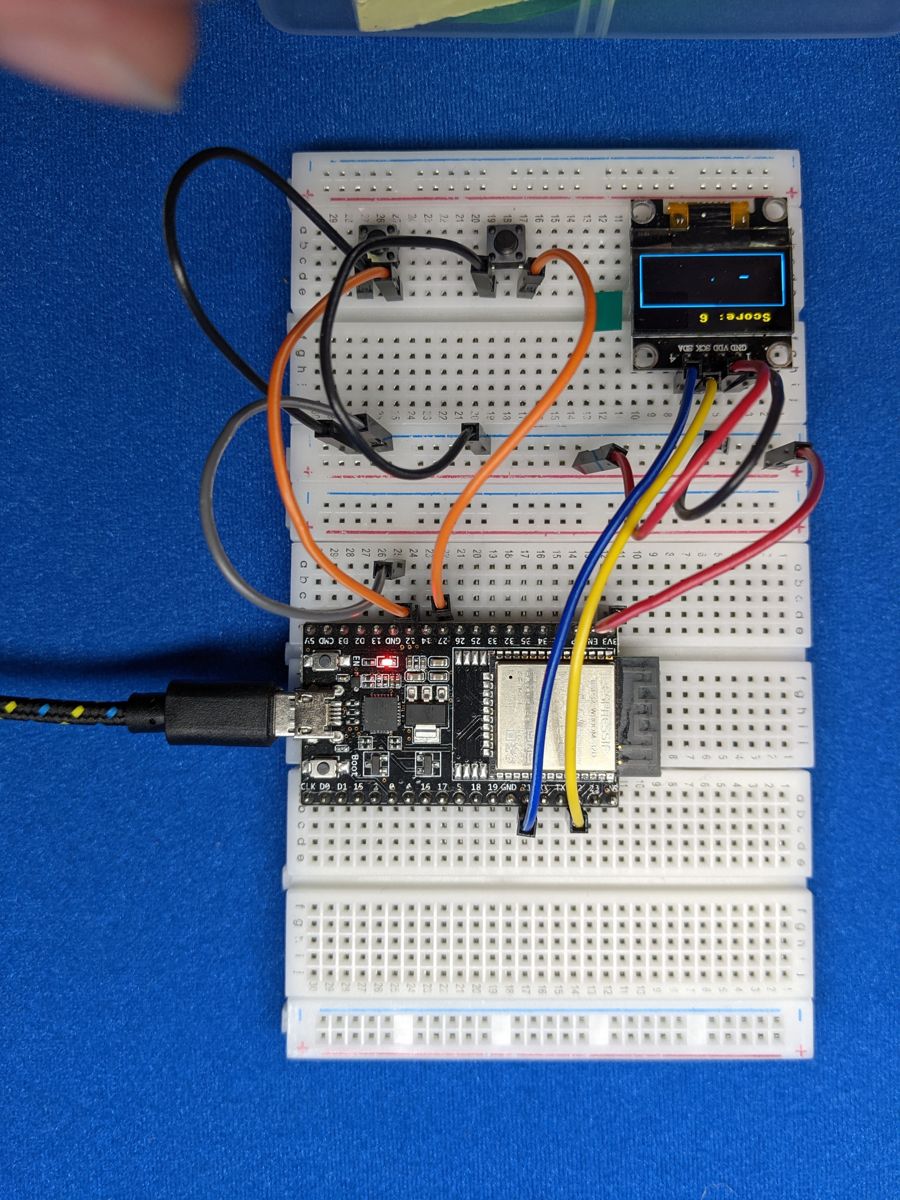
CircuitCoder is a free, hands-on guide to programming microcontrollers. You'll wire up real components to an ESP32 board, write MicroPython code to control them, and combine them into projects you'll actually want to show people: a Snake game, a sonar radar, a Wi-Fi alarm clock, and finally a robot that dodges obstacles and follows lines on its own.
No experience needed. If you can install an app and follow along, you can do this.
What you'll learn
Each component gets its own short lesson: how it works, how to wire it, and the code to control it.
 LEDs
LEDs
 Buttons
 Potentiometers
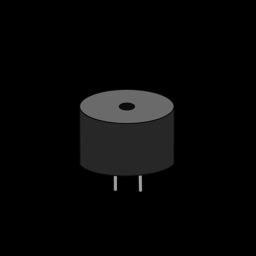 Buzzers
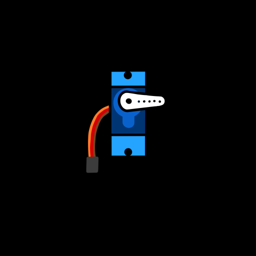 Servo Motors
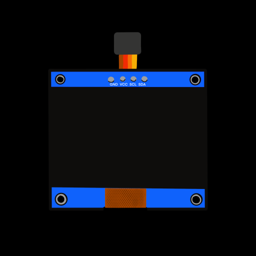 OLED Screens
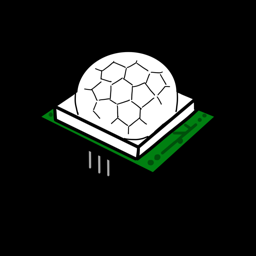 Motion Sensors
 Wi-Fi & APIs
 RGB LEDs
 Light Sensors
 Temperature
 Touch Sensors
 NeoPixels
 Ultrasonic
 DC Motors
 Line Sensors
What you'll build
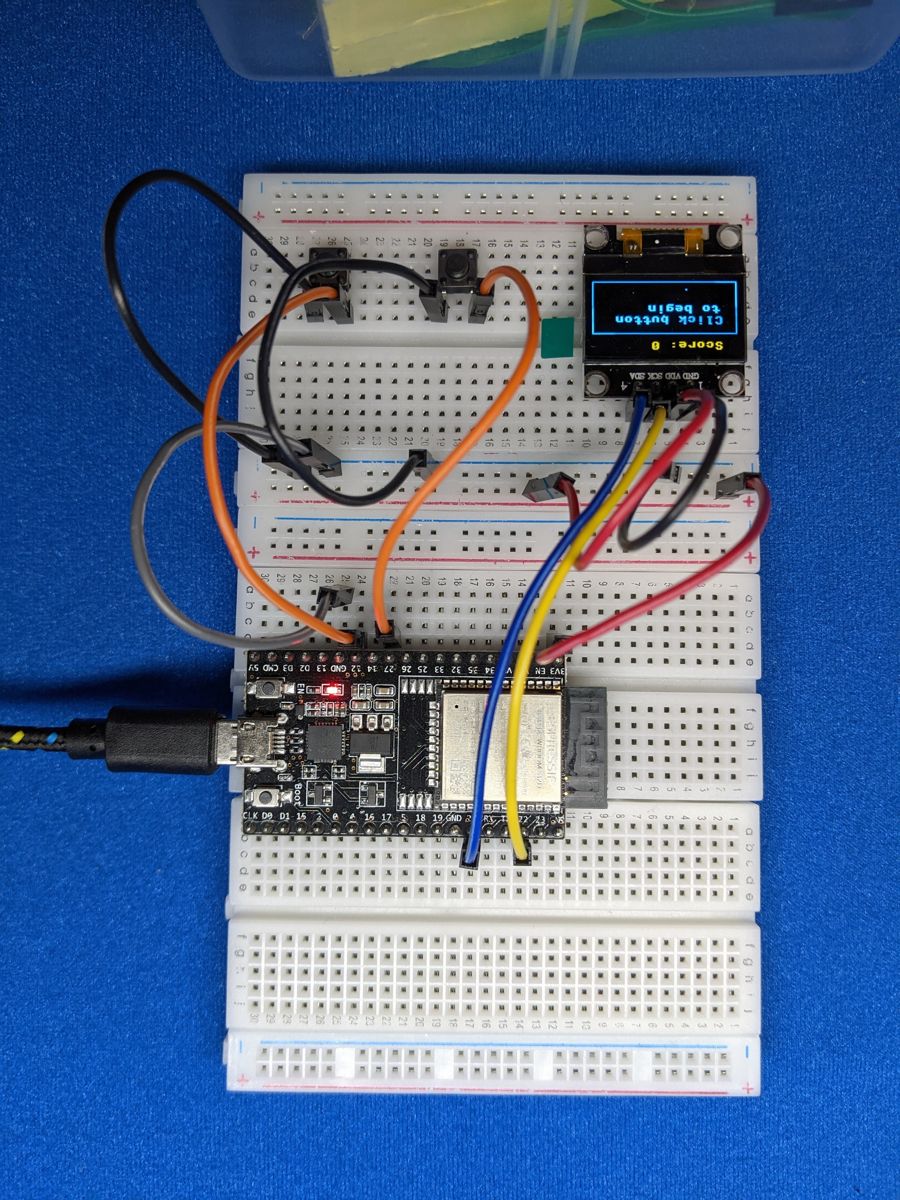
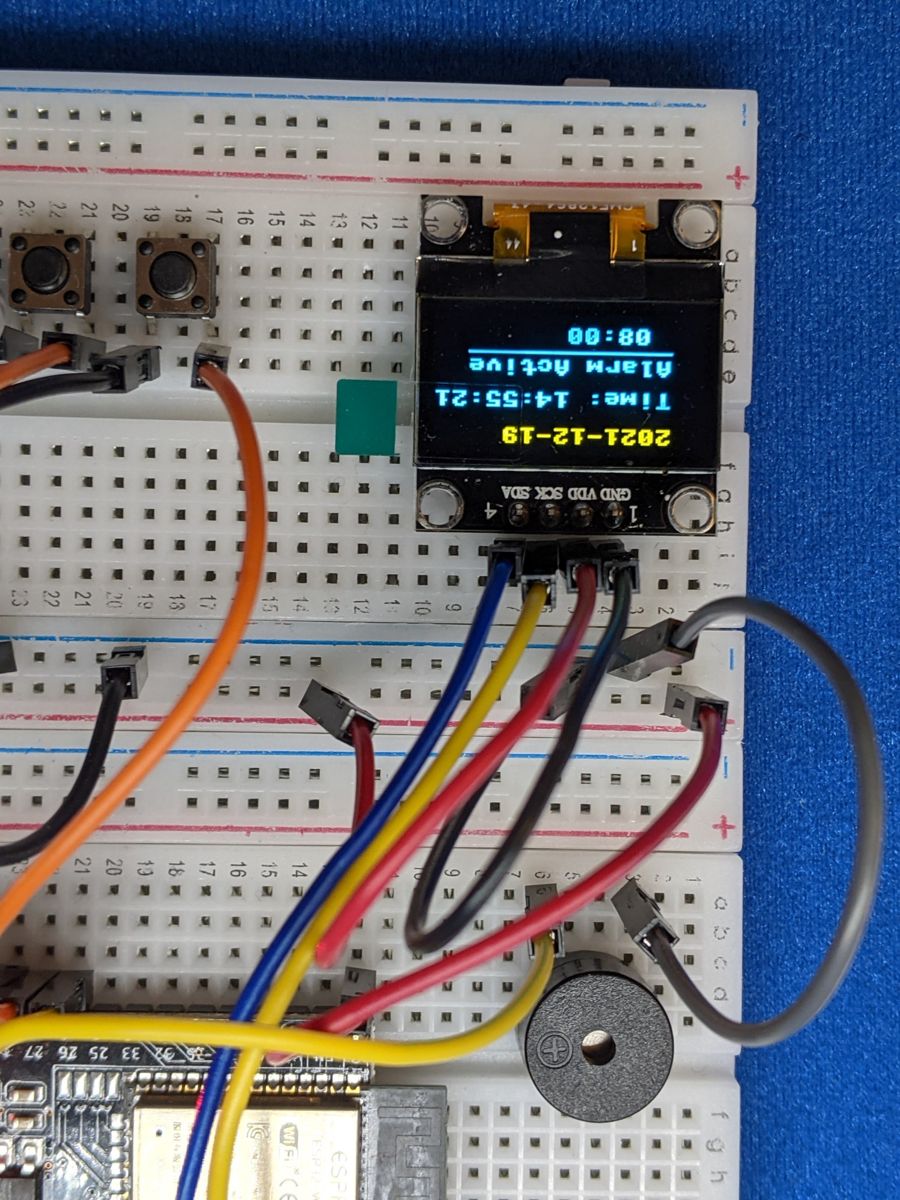
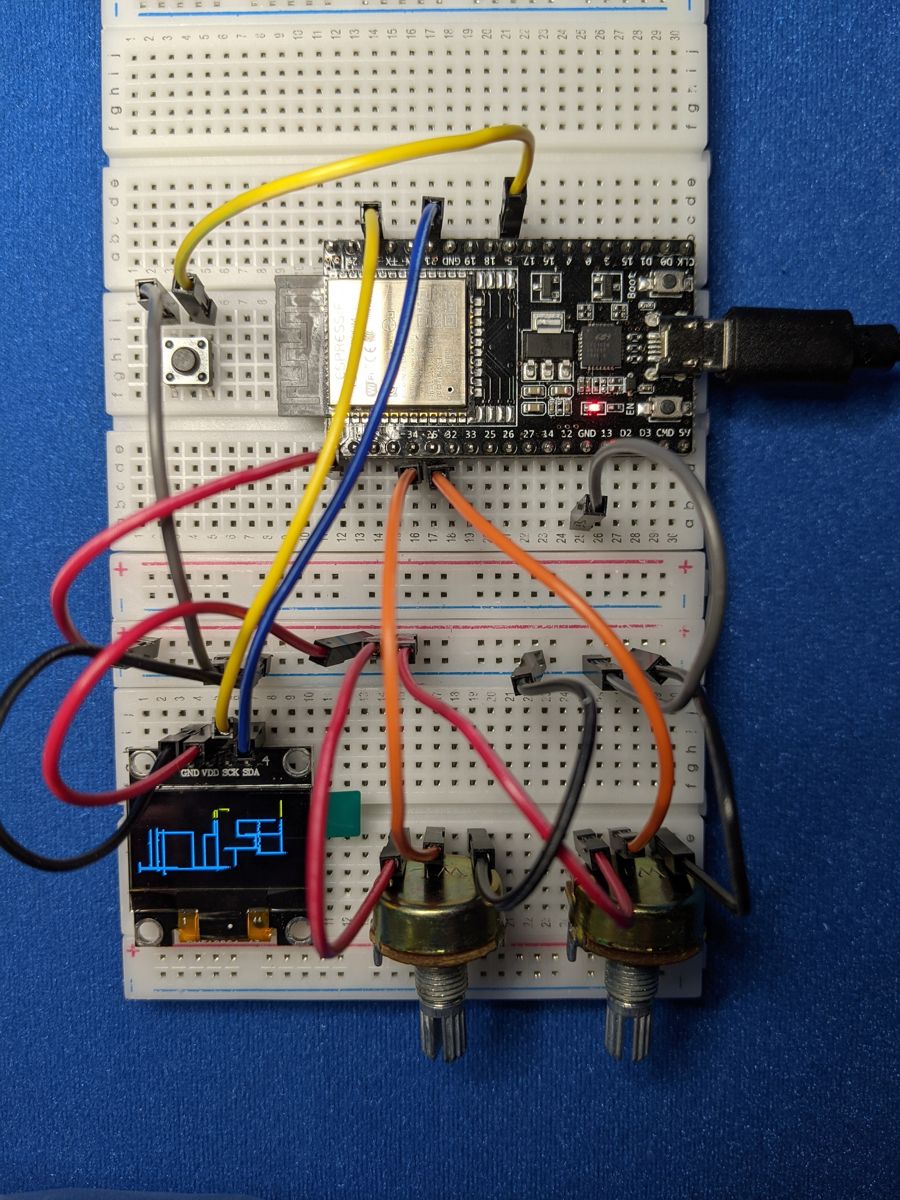
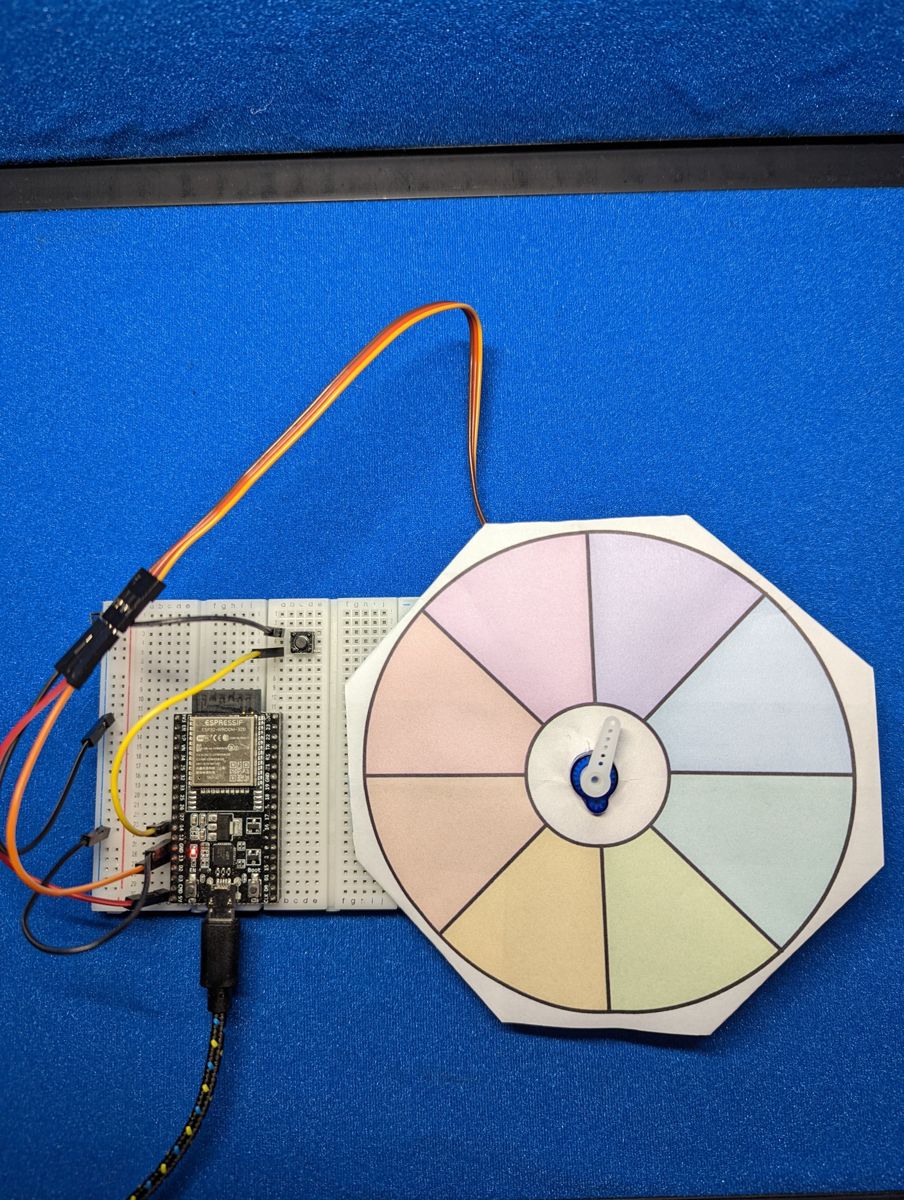
Thirteen projects, from a one-knob instrument to a Wi-Fi alarm clock:
- Music Machine and Light Theremin: play music with a knob, or by waving your hand over a light sensor.
- Touch Piano: turn coins, foil or bananas into piano keys.
- Night Light: a colour-changing lamp that switches itself on when it gets dark.
- Etch-a-Sketch and Snake: draw and play games on a tiny screen you wired up yourself.
- Parking Sensor and Sonar Radar: measure distance with sound, the way bats and submarines do.
- Weather Station, Motion Alert and Alarm Clock: connected gadgets that talk to the internet and to your phone.
Build a robot
The guide ends with its biggest build: a two-wheeled robot you wire and program yourself. Step by step, you'll teach it to:
- drive in patterns and dance,
- see and dodge obstacles with an ultrasonic sensor,
- follow a line of tape around a track,
- and take orders from your phone over Wi-Fi.
Everything you've learned comes together here: inputs, outputs, motors, sensors, and code that makes decisions on its own. That's mechatronics.
How the guide works
- Get set up. Install one free app (Thonny), put MicroPython on your board, and blink your first LED. About 20 minutes.
- Learn just enough Python. Variables, lists, loops and functions: the handful of ideas you'll use in every project.
- Meet the components. One at a time, each with a circuit to build and code to try.
- Build the projects. Combine what you've learned into bigger builds, each one a step up from the last.
- Build a robot. Put it all together in a robot that drives, senses and thinks for itself.
All of the code is free on GitHub, and every example on this site has a copy button.